Inventory · Restocking
How to calculate weighted average inventory cost after restocking
Your supplier raises the price, but you still have older stock on the shelf. Which cost should you use for the next sale?
For a wholesaler using moving weighted average cost, the answer combines the value of the units you still have with the cost of the new shipment. Jobber Ops uses this calculation when you record a restock, so the incoming purchase price does not simply replace the cost of every unit already on hand.
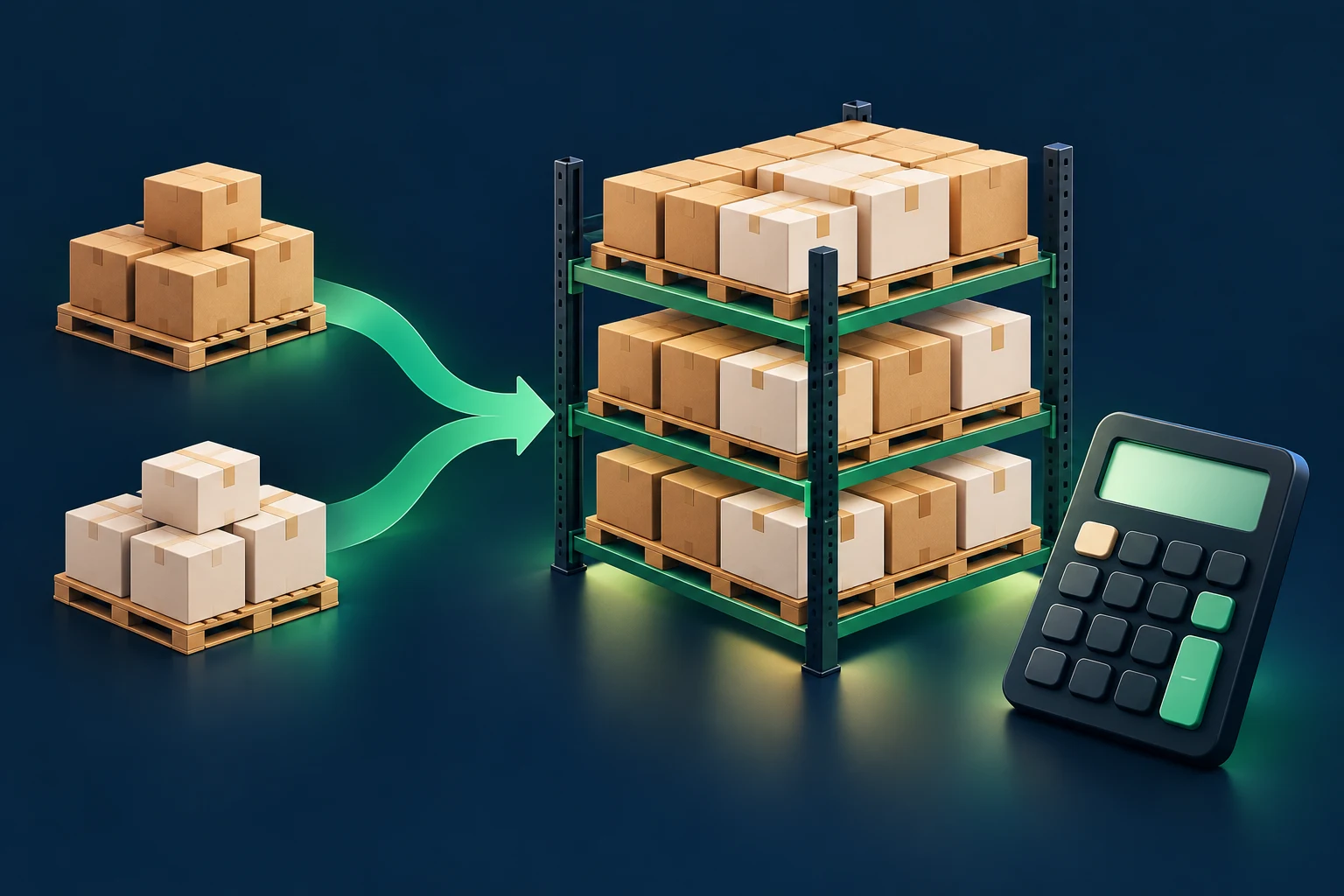
The weighted average inventory cost formula
Use the stock remaining immediately before the restock—not every unit you have ever purchased. Units already sold are no longer part of the inventory being averaged. Keep your quantities consistent: if you track individual units, convert a case purchase into units and a per-unit cost before entering it.
A simple wholesale restock example
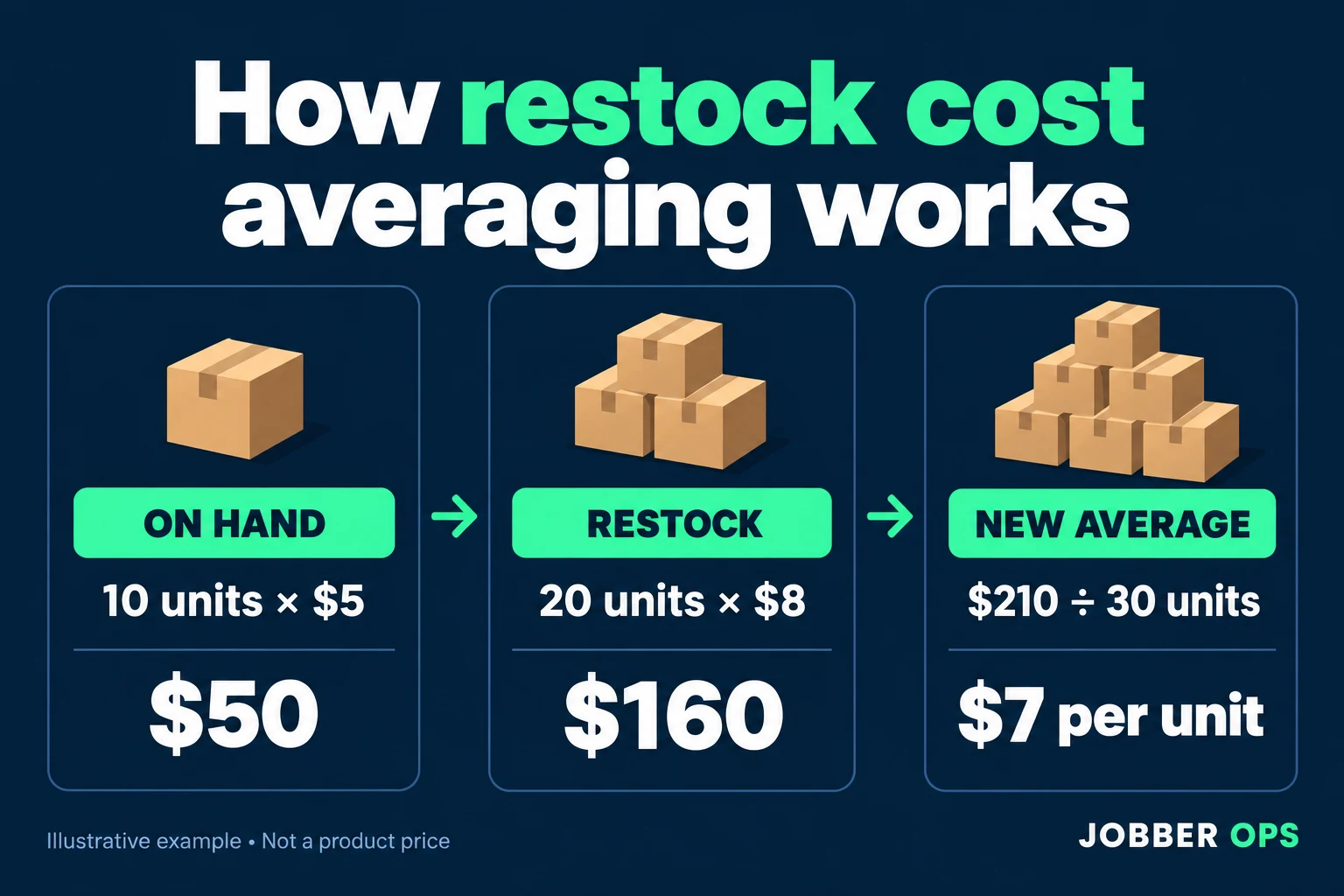
Suppose you have 10 units left at an average cost of $5 each. You purchase 20 more units at $8 each. These are illustrative numbers, not Jobber Ops pricing or an offer for a particular product.
| Batch | Units | Unit cost | Inventory value |
|---|---|---|---|
| Remaining stock | 10 | $5 | $50 |
| New restock | 20 | $8 | $160 |
| Combined | 30 | $7 average | $210 |
The calculation is ($50 + $160) ÷ 30 = $7 per unit. Averaging just the two prices would give $6.50, which is incorrect here because you bought twice as many units at the higher price.
What this means for gross profit
If you sell a unit for $10 after this restock, the example gross profit is $10 − $7 = $3 per unit, before discounts and other expenses. Using the old $5 cost would show $5, overstating that example by $2 per unit.
Gross profit is not the same as net profit or cash available. Payment fees, delivery costs, operating expenses, and other adjustments can affect the final result. The restock preview is a useful check, not a promise of take-home profit.
How to check a restock in Jobber Ops
- Open the product’s stock panel and choose Restock.
- For a manual restock, enter the date received, incoming quantity, and Purchase / return unit cost USD.
- Review Restock cost preview. It shows current stock, incoming stock, stock after restocking, new average unit cost, current selling price, and estimated gross profit per unit.
- Check the quantity and unit cost against the supplier invoice, then save the stock record once.
- Open Stock history to review the recorded stock and average cost before and after the movement.
The final calculation uses the stock on hand when the entry is saved. The preview states that past orders stay unchanged; a new purchase cost does not rewrite the saved costs of previous sales.
Three mistakes to avoid
- Entering a case total as a unit cost. A $160 purchase for 20 units has an $8 purchase unit cost, not $160 per unit.
- Counting sold units again. Use the remaining stock balance when working through the example.
- Recording the same shipment twice. Compare the supplier reference and stock history before saving another restock.
If you recorded a duplicate, Jobber Ops has an Undo restock action in stock history with a confirmation. Exact undo is only allowed when later stock activity and other changes do not prevent restoring the original stock and cost. If it is blocked, review the history and the appropriate stock correction rather than repeatedly submitting the undo.
Common questions
Does the latest purchase price become the cost of all stock?
Not under this moving weighted average calculation. The remaining stock value and incoming stock value are combined, then divided by the total units.
What if no stock remains before I restock?
With zero units on hand, the average for the newly received stock equals its incoming unit cost. For example, 20 units at $8 start with an $8 average cost.
Will backdating a restock recalculate past orders?
No. Jobber Ops states that backdated stock entries do not recalculate past costs. Verify dates and records before relying on a historical report.
Check the cost before your next sale
Restocking is more than adding a quantity. Reviewing the new average cost helps you understand the product cost behind your next order.
Explore Jobber Ops